An Accessibility Audit You Can Run Today With Free Tools
An automated scan cannot tell you whether your booking form works without a mouse. The free tool stack, the six manual checks that catch what scanners miss, and a 90 minute audit workflow.
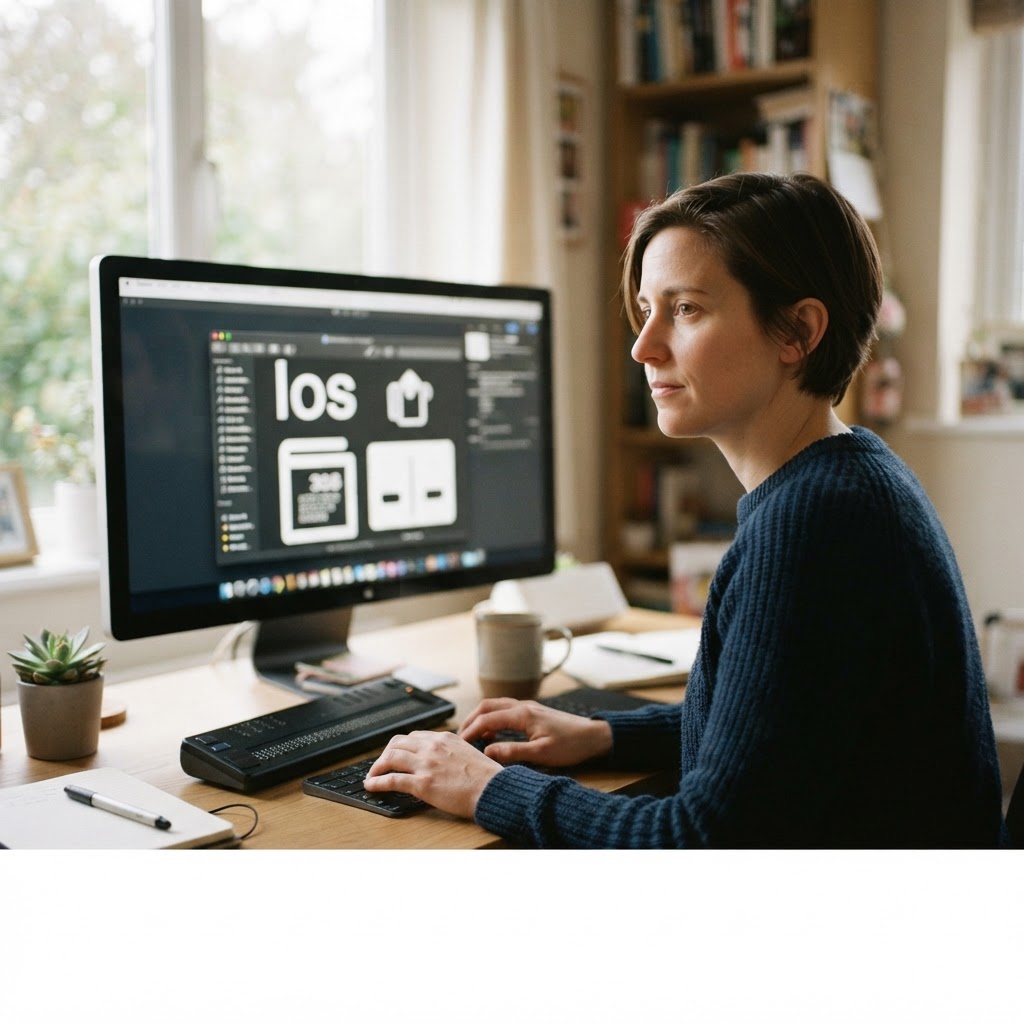
A physiotherapy clinic in Kitchener had a booking form that worked perfectly with a mouse. The service dropdown was a custom component that opened on click, and it never received focus from a keyboard. A patient with a hand tremor could not operate a mouse reliably, tabbed into the form, found the dropdown would not respond, and phoned instead. Twice. Both times she reached voicemail.
She booked with a clinic across town and mentioned it in a community Facebook group, which is how the owner found out. A complaint followed a month later referencing the province's accessibility legislation, and the owner spent three weeks trying to establish whether it applied to a clinic of her size, which it may not have, and whether the form was actually non-compliant, which it was.
The cost was not the complaint. The cost was the patients who tried, failed, and never said anything.
What an accessibility audit is
An accessibility audit is a set of tests run against WCAG success criteria, mixing automated checks with manual ones, and recorded with the criterion number next to each finding. That last part matters: a finding without a criterion is a preference, and preference is what gets argued about instead of fixed.
Where the standard advice goes wrong
The first correction: passing an automated scan does not mean you are compliant. Scanners reliably find a minority of issues, mostly the ones that can be detected from markup. They cannot tell whether link text makes sense out of context, whether a focus outline is visible against the background, or whether an error message tells the user what to do next. A perfect Lighthouse accessibility score with a mouse-only dropdown is a normal, published situation.
The second correction: an overlay plugin does not make a site compliant, and the regulator has said so with money. In January 2025 the FTC settled with a major accessibility overlay vendor for $1 million over claims that its widget made sites compliant. The overlay sits on top of inaccessible markup; it does not change the markup.
The third correction: alt text is not the whole job. Missing alt text is the easiest thing to fix and one of the least common causes of a blocked task. Blocked tasks come from forms, custom controls, focus order and colour contrast, which is why the audit order below starts with the form rather than the images.
The free tool stack, and what each one finds
- Lighthouse in Chrome DevTools (Accessibility category): contrast failures, missing form labels, missing alt attributes, invalid ARIA. Fast, repeatable, incomplete.
- WAVE by WebAIM: visual overlay of errors and alerts in page context, useful for explaining a finding to a non-technical owner.
- axe DevTools: a second engine with different rules, worth running because the tools disagree and the disagreement is usually a real issue.
- The browser accessibility tree (Chrome DevTools, Elements, Accessibility pane): what a screen reader is actually given, including the names and roles of custom controls. This is where a fake dropdown reveals itself as a
divwith no role. - VoiceOver or NVDA: a real screen reader. Ten minutes with one teaches more than ten scans.
The manual checks that catch what the tools miss
- Keyboard only, criterion 2.1.1. Put the mouse away. Tab through the page. Can you reach and operate every control, including the booking form and the menu?
- Visible focus, criterion 2.4.7. Watch the focus ring at each stop. It must be visible against the background, not removed by a stylesheet that set outline to none.
- Contrast, criterion 1.4.3. Body text needs 4.5 to 1, large text 3 to 1. Check the real colours, including text over images.
- Form errors, criteria 3.3.1 and 3.3.3. Submit an empty form. Is the error announced, specific, and attached to the field it belongs to?
- Link text, criterion 2.4.4. Read the links aloud without their surrounding sentence. Click here and read more fail.
- Status messages, criterion 4.1.3. Anything that appears after an action, such as a success banner, has to be announced without moving focus.
The 90 minute workflow
- Pick the highest value task on the site, not the homepage. For a clinic, that is the booking form.
- Run Lighthouse on that page, then WAVE, then axe, and merge the findings into one list without duplicates.
- Do the keyboard pass on the same page, writing down every stop and every control you cannot operate.
- Open the accessibility tree for each custom control and record its role and accessible name.
- Run a screen reader through the same task, out loud, and note where you get lost.
- Write each finding as: criterion, what happens, what a user experiences, suggested fix, effort.
- Fix the three findings that block task completion before adding anything else to the list.
What to say no to
Say no to overlays and to any vendor selling a compliance certificate from a scanner. Say no to paying for a 300 item audit before you have fixed the five things blocking your main form; you will pay twice for the same list. Say no to chasing a perfect score: WCAG conformance is about the criteria that apply to your content, not a percentage on a dashboard.
Where to start today
Open your booking form on a desktop, press Tab once, and try to complete it without touching the mouse. If you cannot, you have your first finding and it is the one costing you patients.
Recording findings so a developer can act
Write every finding in the same shape: the WCAG criterion, the URL, the viewport, what happens, what the user experiences, the suggested fix, and the effort. One row in a sheet, one row per finding.
That format survives the two arguments that follow every audit. The first is about whether the problem is real, which the criterion number settles. The second is about scope, which the user-experience column settles. Re-test with the same steps after the fix and record the date, because a second audit that cannot show what was resolved is just a new opinion.
Key takeaways
- Automated scans catch a minority of issues. A perfect score with a mouse-only form is normal.
- Overlays do not fix markup. Regulators have treated compliance claims about them as deceptive advertising.
- Test your highest value task first with the keyboard away from the mouse, then with a screen reader.
- Record every finding against a WCAG criterion, or it becomes a preference argument.
A Webcheckhub audit scores website health and conversion readiness alongside Google presence and SEO basics, so a form that blocks real users shows up next to the rest of the picture. If you want the accessibility fixes implemented and documented for a client, Solutions Elites does that work at solselites.com.
Sources and further reading
These references were used to check the facts in this article. Quoted or adapted material is used under the licence shown beside each source, with credit to the original publisher.
Watch the explainer
Videos are embedded with YouTube's official player and credited to their creators. We never re-host third-party video; playback and reuse follow the licence stated by the owner.
W3C's own overview of the approaches and resources for evaluating a site's accessibility.
5
Core Areas Audited
28+
Checkpoints Scanned
100
Free — No Credit Card
Run your free digital presence audit
See exactly where your business stands across Google, website, social media, SEO, and conversion — with a client-ready report.
Check Your Digital Presence — Free
Webcheckhub Editorial Team
PublisherPublished by Webcheckhub, a digital presence audit platform. Our articles are researched and produced by our editorial team, with AI assistance for drafting, and reviewed for accuracy against current industry standards and Google's official guidelines.
© 2026 Webcheckhub. All rights reserved. This article is original content and may not be reproduced without written permission.
Digital growth partner for Webcheckhub
Contact us
Questions about this guide, or want your website, Google profile or automations handled by specialists? Reach out to the Solutions Elites team and we'll reply with a straight answer.