AI Automation for Appointment Reminders: Reducing No-Shows Without Extra Staff
Automated reminders are one of the highest-return workflows a service business can run. How to design the sequence, write the messages, and measure the lift.
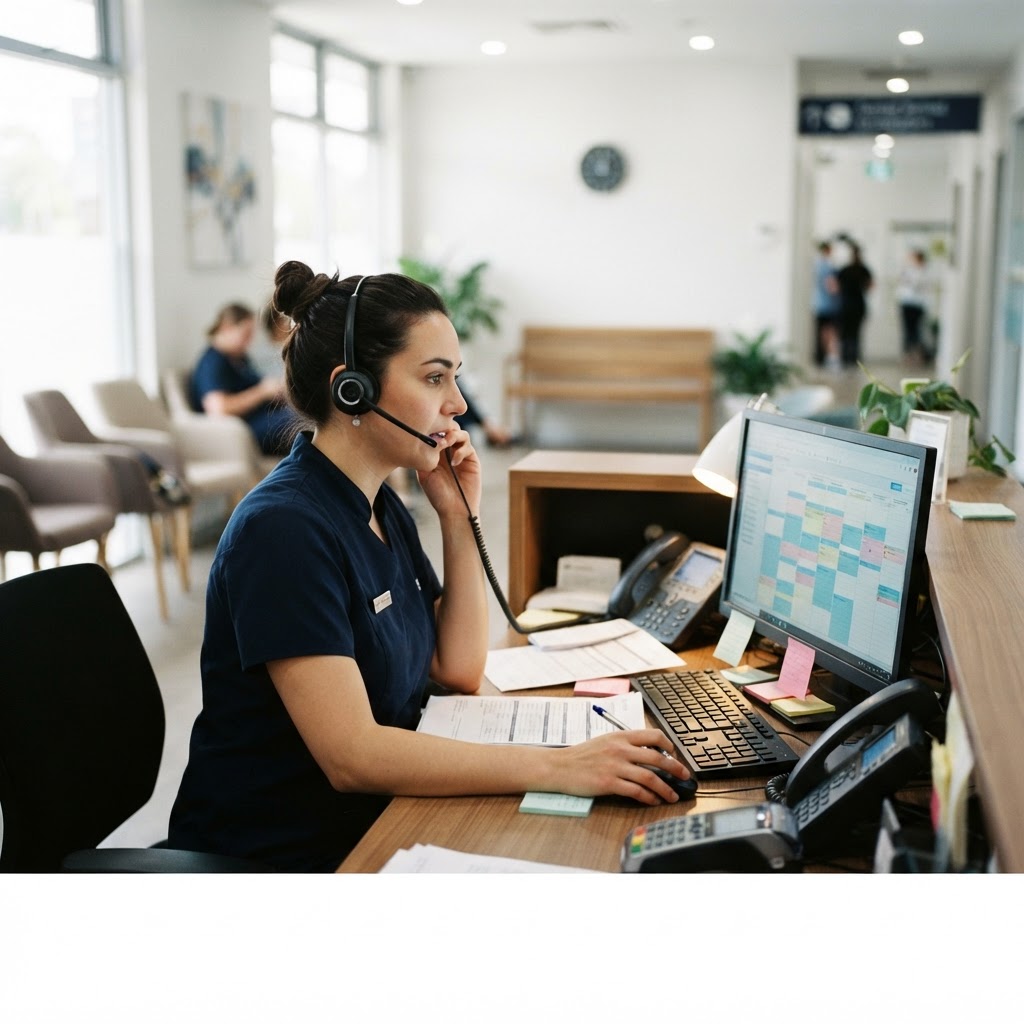
Eleven empty chairs a week
A dental practice with two hygienists ran 96 appointment slots a week. On average, eleven of them produced nothing: no patient, no fee, no notice.
The practice manager had assumed the problem was customers. It wasn't. The reminder system consisted of a receptionist calling people the afternoon before, when she had time, which in a busy week meant about half of them.
Eleven slots out of 96 is 11 percent of clinical capacity evaporating, plus the staff cost of the calls, plus the patients who waited three weeks for a slot someone else didn't use. No marketing campaign fixes that. It's a communication timing problem.
Why people miss appointments
Almost never a decision. Three causes, in order of frequency:
Memory. The appointment was booked five weeks ago, in a different month, and nothing has touched it since.
A conflict discovered too late. Work shifted, a child got sick, the car failed. If they only realise the night before, a phone call during business hours is impossible and the slot is gone.
An intention to reschedule that never became an action. They meant to call. They didn't. Now it's tomorrow and they're embarrassed, so they don't come.
Reminders address all three, but only if they arrive at points where action is still cheap. A reminder four hours before the appointment can only produce a no-show; one sent 48 hours before can produce a cancellation that gets refilled.
The sequence, and why each message exists
On booking
Immediately: what was booked, when, where, with whom, and how to change it. This catches mistakes at the moment they're free to fix. Wrong day, wrong treatment, wrong location, wrong patient name.
Send it however the booking was made, and include a calendar attachment or a one-tap add-to-calendar link. That single feature removes a large share of memory failures without any further effort.
48 hours before
The highest-value message in the whole sequence, and the one most businesses omit because they only think about the day-before call.
At 48 hours a customer can still reschedule without losing the slot, which means the business gets notice early enough to refill from a waiting list. The economics are straightforward: a cancellation with two days' warning is worth most of a booking; a no-show is worth nothing.
The day before, in the evening
Short. Time, address or link, what to bring, who to call. Sent after working hours, when people are actually looking at their phones, and early enough that a problem can still be acted on the next morning.
Two hours before
Optional, and only for high-value slots. Late enough to be useful for travel, soon enough that it's the last thing seen. Beyond that it becomes noise, and noise trains people to ignore your messages.
After a cancellation
Not really a reminder, but the workflow that makes reminders pay. When someone cancels, offer two or three alternative times within minutes, from real availability. Most cancellations are reschedules waiting for an easy route.
Writing messages people act on
Facts first. Day, date, time, place. If someone reads only the first line on a lock screen, they should know everything they need.
One action. Confirm, reschedule, or call. A message offering three ways to reply gets none.
Make cancelling easy, and visible. Businesses sometimes hide the cancel option hoping the booking survives. It doesn't. It becomes a no-show, which is worse than a cancellation, because a cancellation is a slot you can sell.
Two-way where possible. A reply that says "can't make it, can I do Thursday?" should be captured, not lost. This is where automation earns its keep: replies route to a real availability check rather than an unread inbox.
Use the words a receptionist would use. "Hi Marta, you're in with Sam on Thursday at 10 for your check-up. Reply C to confirm or R to change." Specific and effortless. Not "This is an automated reminder regarding your upcoming appointment".
Channel by message type. Text for the day-of reminder, because it's seen. Email for anything with instructions, because it can be read properly. Messaging apps where the customer already uses them.
The exceptions are the whole point
Standard reminders are easy. The value is in what happens when someone replies.
- Confirmation replies update the status automatically. No clicking, no reconciling a spreadsheet.
- Reschedule requests offer real slots rather than starting a conversation with a human who is with a patient.
- Cancellations release the slot and offer it to a waitlist if you keep one. If you don't keep one, start: a simple list of people willing to come at short notice recovers most of the value.
- Unrecognised questions route to a human with context. The appointment details attached, so the customer doesn't repeat themselves.
Where the no-shows actually come from
Worth measuring before assuming reminders will fix everything, because the pattern is usually not uniform.
Lead time. Appointments booked more than three weeks out no-show at much higher rates than those booked within a week. If that's your pattern, the fix may be a shorter booking horizon plus a waitlist, not more messages.
Day and time. Monday mornings and late afternoons tend to be worse in many service businesses. Worth checking before adjusting hours.
First-time versus returning. New customers miss more. They have less habit, and a reminder with directions and parking information helps more than one that assumes familiarity.
Payment status. Deposits or prepayment change behaviour measurably. Also the most contentious fix on this list, and worth introducing only where no-show rates are costing real money, with a policy that's stated clearly at the time of booking.
Two things reminders won't fix
A difficult intake process. If booking required a phone call during business hours and a three-week wait, people will keep their options open and drift away. Reminders can't build commitment that the process never created.
A bad experience last time. Some no-shows are quiet exits. If one practitioner's slots have double the no-show rate, the reminder sequence is not the thing to look at.
Measuring it
Track for a month before and after, same practitioners, same season if you can:
- No-show rate, as a percentage of booked slots. This is the headline number.
- Late cancellation rate. Should rise while no-shows fall, and that's a success: notice is worth money.
- Slots refilled from the waitlist. The direct return on the 48-hour message.
- Reply rate by channel and by message. You'll usually find one message doing most of the work.
- Staff hours spent on scheduling calls. The cost side, which is where the time savings appear.
A realistic outcome for a practice with an 11 percent no-show rate is somewhere between three and six percent, with most of the improvement coming from the 48-hour message and the refill workflow rather than from adding more reminders.
Where to start
Send one message 48 hours before every appointment for a month, with an easy reschedule option, and count what changes. That single step usually produces most of the available gain.
A free digital presence audit on Webcheckhub won't tell you about your calendar, but it will show you whether the missed calls and enquiries upstream are also leaking, which is often the larger number. When you want the whole sequence built and connected to your booking system, Solutions Elites implements appointment automation for service businesses.
Sources and further reading
These references were used to check the facts in this article. Quoted or adapted material is used under the licence shown beside each source, with credit to the original publisher.
- 1.AI Risk Management FrameworkNIST· nist.gov·Public domain (U.S. Government work)
Watch the explainer
Videos are embedded with YouTube's official player and credited to their creators. We never re-host third-party video; playback and reuse follow the licence stated by the owner.
Credited to its creator and original publisher; playback follows the creator's own terms.
5
Core Areas Audited
28+
Checkpoints Scanned
100
Free — No Credit Card
Run your free digital presence audit
See exactly where your business stands across Google, website, social media, SEO, and conversion — with a client-ready report.
Check Your Digital Presence — Free
Webcheckhub Editorial Team
PublisherPublished by Webcheckhub, a digital presence audit platform. Our articles are researched and produced by our editorial team, with AI assistance for drafting, and reviewed for accuracy against current industry standards and Google's official guidelines.
© 2026 Webcheckhub. All rights reserved. This article is original content and may not be reproduced without written permission.
Digital growth partner for Webcheckhub
Contact us
Questions about this guide, or want your website, Google profile or automations handled by specialists? Reach out to the Solutions Elites team and we'll reply with a straight answer.