Automating Lead Follow-Up: From Form Fill to Booked Call
A plumber in Oakville lost a $4,800 job because a form submission sat in a shared inbox for two days. The fix is not a CRM subscription, it is a routing rule and a five-minute first reply.

A plumber in Oakville got a form submission on a Tuesday afternoon about a failing water heater. The form emailed a shared inbox that three people had access to and nobody owned. He replied on Thursday morning. The homeowner had already booked another company, and the job came in at $4,800.
Two weeks later it happened again, this time on a bathroom rough-in. Same inbox, same two days.
The owner's conclusion was that he needed a customer relationship management system. It was not. He needed one rule that sent form submissions to one person, and a first reply that went out while the kettle was still boiling. That is a two-hour job, not a subscription.
What lead follow-up automation is, and what it is not
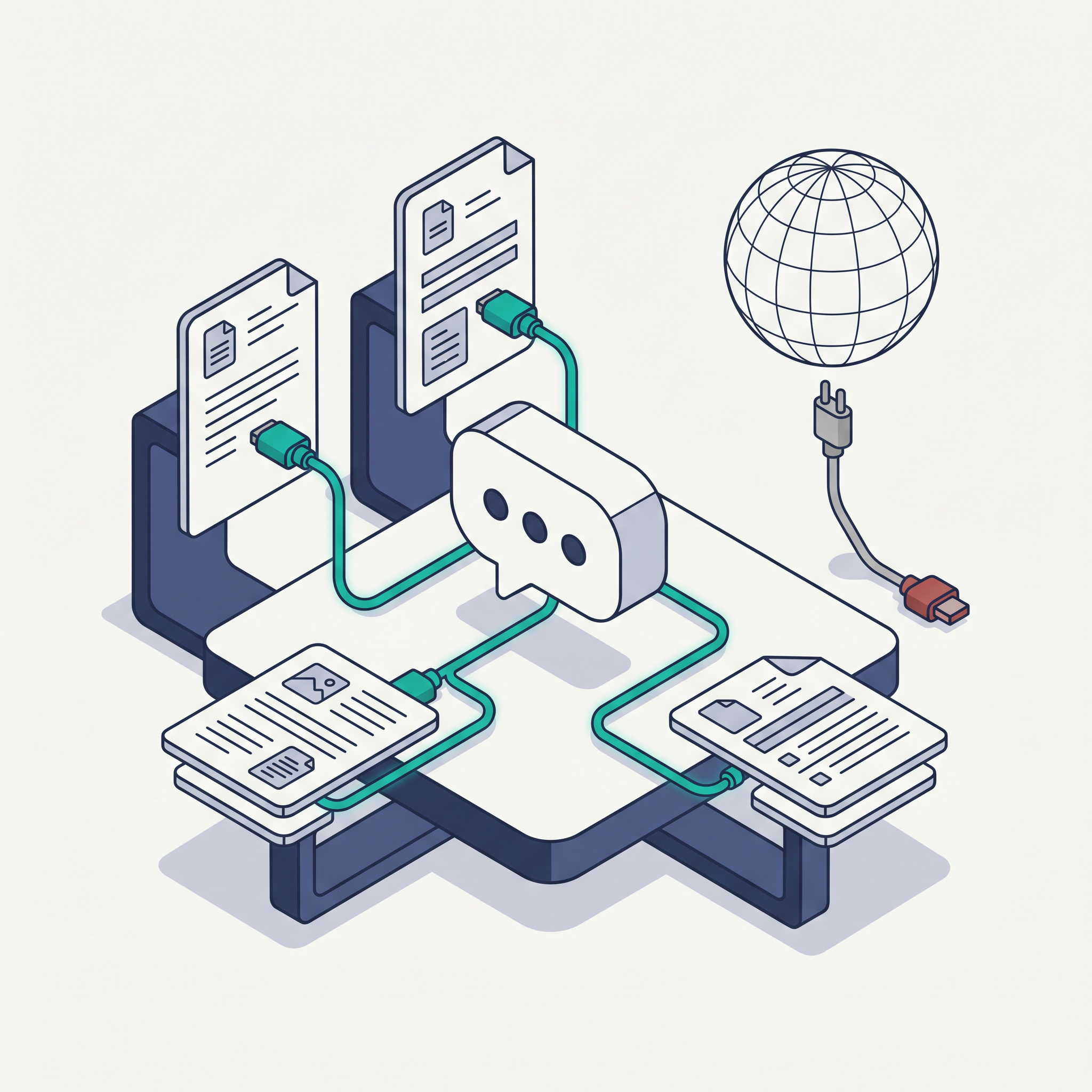
Automated follow-up is a sequence of triggered messages and tasks with stop conditions attached to them. A trigger is what starts it: a form submission, a missed call, a chat transcript. A stop condition is what ends it early: they booked, they replied, they opted out.
It is not a newsletter, and it is not a chatbot. Those are different jobs with different rules, and lumping them together is why so many small business automations end up annoying the exact person they were meant to win.
Where the standard advice goes wrong
The first correction: more follow-up is not better follow-up. The prebuilt drips sold in template libraries run eight to twelve messages. For a $4,800 water heater, three well-timed contacts beat ten, because after the third unanswered message you are no longer a business, you are a nuisance with a calendar.
The second correction: buy the CRM after the routing works, not before. A CRM stores leads you never replied to. Sort the reply first, then decide whether the volume justifies the tool. Under about 40 leads a month, a shared inbox with a routing rule and a task list is enough.
The third correction: you cannot text everyone who fills in a form. In Canada, the Anti-Spam Legislation requires consent for commercial electronic messages, and a form submission is not automatically consent for SMS marketing. If you plan to text, ask for permission on the form itself, keep the record, and include an unsubscribe path in every message.
How the sequence actually works
The trigger. A form submission, a missed call, or a chat transcript that ends without a booking. Route all three into the same place, because the same person may use two of them in ten minutes.
The routing. Three rules cover most small operations: by service line, by service area, and by urgency. If the address is outside the radius, the automation should say so and offer a referral instead of booking a call that will end in a cancellation.
The first reply, inside five minutes. It needs three elements and nothing else: confirmation that you received it and who will reply, one question that qualifies the job, and two specific times you can attend or call. Two times, not a calendar link. A calendar link asks the customer to do scheduling work.
The human touches. Day two and day five, from a person, by phone. Short, specific, and referencing what they asked about. These two calls are where most booked work actually comes from, and they are the part most owners automate away too early.
The stop conditions. Booked, replied, opted out, or 14 days old with no response. Without a stop condition the sequence keeps firing, and the lead who already hired someone else gets a fourth message and tells their neighbour about it.
The measurement. Two numbers: speed to first reply, and contact rate, the share of leads who answer a human at all. Booking rate comes third. If you only watch booking rate, you cannot tell a bad sequence from a slow one.
The order to build it in
- Export your last 30 form submissions and note when each one was first answered. The median is your baseline.
- Assign one owner. Not a team, a person, with a backup named in writing.
- Write the routing rules down as sentences before you build anything.
- Build the first reply template with the three elements. Keep it under 90 words.
- Add the day two and day five tasks, assigned to the owner, with a phone call as the action.
- Add stop conditions, including opt-out language if you will use SMS.
- Run it for 30 days and read every reply before you widen the automation.
What to say no to
Say no to any template pack that starts with eight messages. Say no to SMS campaigns without a consent record on file. Say no to a bot that collects card details in chat, and to a subscription priced per seat when the whole workflow needs one person and one backup.
And do not automate social media direct messages before your web form is answered in five minutes. It moves the bottleneck instead of removing it.
Where to start today
Open the inbox that receives your form submissions and look at the last five. Time the gap between submission and first reply. If the median is over an hour, fix the routing today, before you look at any tool.
When the sequence is not working
Three patterns cover most of it. Fast replies with a low contact rate mean your first message asks for too much; cut it to one question. Good contact rate with a low booking rate means you are offering times that do not exist or a calendar link nobody wants to click. Fine numbers with complaining customers means a stop condition is not firing and the sequence keeps messaging people who already booked.
Change one variable per two-week cycle. Two changes at once and you will not know which one moved the number.
Key takeaways
- Speed to first reply is the only metric in this workflow entirely within your control.
- Three well-timed contacts beat ten template messages. Build stop conditions before you build more messages.
- Get consent on the form before any SMS, and keep the record.
- Buy the CRM after the routing works, not before.
A Webcheckhub audit scores conversion readiness alongside website health and technical SEO, which is where most of these gaps show up before they cost a job. If you want the follow-up workflow built and the audit handled in one engagement, Solutions Elites covers both at solselites.com.
Sources and further reading
These references were used to check the facts in this article. Quoted or adapted material is used under the licence shown beside each source, with credit to the original publisher.
- 1.Canada's Anti-Spam Legislation (S.C. 2010, c. 23)Government of Canada, Justice Laws Website· laws-lois.justice.gc.ca·Open Government Licence - Canada
- 2.Zapier Help CenterZapier· help.zapier.com·All rights reserved, linked for reference
Watch the explainer
Videos are embedded with YouTube's official player and credited to their creators. We never re-host third-party video; playback and reuse follow the licence stated by the owner.
A clear walkthrough of trigger, action and testing, which is the shape of any follow-up workflow.
5
Core Areas Audited
28+
Checkpoints Scanned
100
Free — No Credit Card
Run your free digital presence audit
See exactly where your business stands across Google, website, social media, SEO, and conversion — with a client-ready report.
Check Your Digital Presence — Free
Webcheckhub Editorial Team
PublisherPublished by Webcheckhub, a digital presence audit platform. Our articles are researched and produced by our editorial team, with AI assistance for drafting, and reviewed for accuracy against current industry standards and Google's official guidelines.
© 2026 Webcheckhub. All rights reserved. This article is original content and may not be reproduced without written permission.
Digital growth partner for Webcheckhub
Contact us
Questions about this guide, or want your website, Google profile or automations handled by specialists? Reach out to the Solutions Elites team and we'll reply with a straight answer.