Chatbot Handoff: Getting the Human Escalation Right
A clinic chatbot answered an emergency with opening hours and lost the patient. The five triggers that should hand a conversation to a human, and the four things the handoff must carry.

A dental clinic in Scarborough installed a chatbot in the spring to cut down on reception calls. It answered hours, directions, insurance questions and booking links reasonably well. Then a patient wrote: my crown came off last night and my face is swelling.
The bot replied with opening hours and a booking link, because that is what its instructions covered. The patient drove to an emergency clinic two suburbs over. She paid $600 for treatment elsewhere and left a two star review that mentioned, precisely and accurately, that the chatbot did not care.
The clinic did not have a chatbot problem. It had a handoff problem. The bot did what it was told, and nobody had told it where its authority ended.
What a handoff is
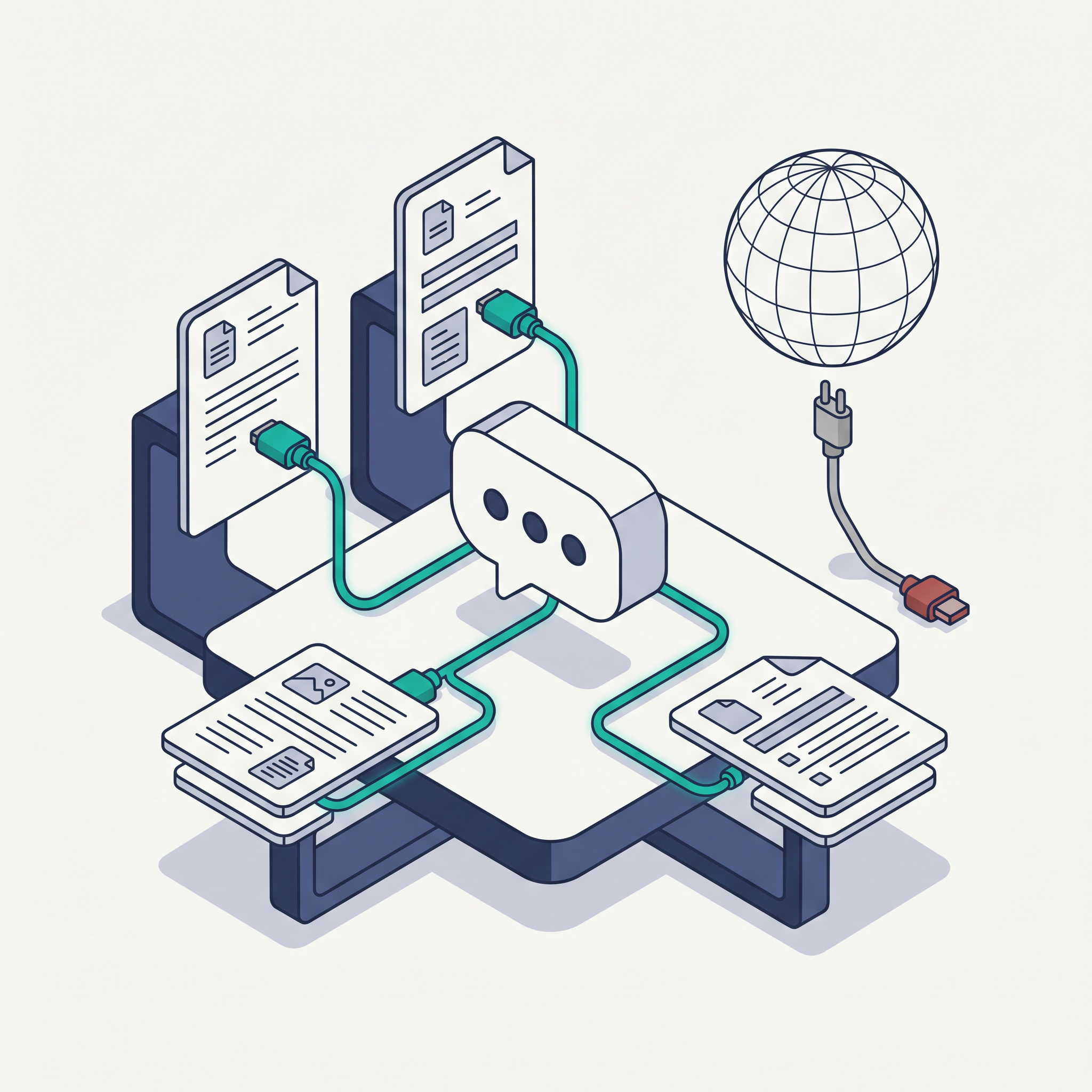
A handoff is the defined moment when the conversation stops being a bot's responsibility and becomes a person's. It has a trigger, a channel, a destination, and a time limit. If any of those four is missing, you do not have a handoff, you have a hope.
Where the standard advice goes wrong
The first correction: a good bot does not avoid escalations, it produces the right ones. Escalation rate is not a quality score you minimise. A bot that escalates nothing is either handling a very narrow range of questions or silently getting things wrong. You want the boring questions contained, and every conversation with a person in distress or money at stake pushed to a human within minutes.
The second correction: waiting for someone to type agent is not an escalation strategy. Most customers do not ask for a human, they express frustration, urgency or confusion, and then leave. The signals to watch are behavioural: a third repetition of the same question, a message that mentions a symptom, a deadline or a lawyer, a sudden shift in tone, or a question about money already paid.
The third correction: the human on the other side does not need the full transcript. They need four things: what the customer wanted, what the bot already promised, who they are, and how to reach them. A 40 message transcript pasted into an inbox is read by nobody.
The five triggers worth building
- Explicit request. Any variation of speak to a person, call me, human, manager.
- Low confidence. When the bot cannot match the question to a known intent with reasonable certainty, it hands over rather than guessing.
- Repetition. The same question asked a third time means the first two answers failed.
- Urgency or risk language. Pain, swelling, flooding, broken, locked out, deadline, refund, complaint, legal. Build this list from your own transcripts, not from a template.
- Out of scope topics. Anything about a specific account, a price exception, a medical or legal question, or a complaint in progress.
What the handoff has to carry
The reason it escalated, in the bot's own words. A summary of the request in one sentence. The customer's name, phone and email, collected once and confirmed. What the bot already said, so the person does not contradict it. And a timestamp, because response time is the thing you will be judged on.
Route it to a place someone actually watches. A chat transcript that lands in a shared inbox with no notification is the same as no handoff at all. If you cannot staff live chat after 5pm, the bot should say so and offer a callback, not pretend a person is on the way.
Set a response target and publish it internally: five minutes during business hours, next business morning otherwise. Then measure the ones you missed. Every missed handoff is a customer who told you exactly where your process broke.
The order to build it in
- Read 50 real chat transcripts and mark every conversation that should have gone to a person. That list is your trigger set.
- Write the trigger list into the bot's instructions, with the exact phrases from your transcripts.
- Decide the destination and the owner for each trigger type. One person per type, with a backup.
- Write the handoff message the customer sees, so they know a person is coming and when.
- Set the response target and the after-hours behaviour.
- Log every escalation with reason, time to first human reply, and outcome. Review weekly.
- Test it with the original transcript that failed, and confirm the bot now escalates.
What to say no to
Say no to hiding the human option behind a menu. Say no to a bot giving clinical, legal or financial advice, even hedged, even with a disclaimer. Say no to chat-only handoffs with no email fallback, because half your customers will close the tab before you reply. And say no to measuring success as containment rate alone: it rewards a bot that keeps people trapped in a conversation going nowhere.
Where to start today
Open last week's chat transcripts and count the conversations where the customer asked the same thing twice. That number is the size of the problem, and each one of those transcripts is a trigger rule you have not written yet.
The numbers to report every month
Five figures, all from your own logs: the escalation rate by trigger reason, containment on your ten most common intents, median time to first human reply, re-asks per conversation, and handoffs that never received a human reply at all.
That last one is the number nobody wants to look at. A handoff with no human reply is worse than no chatbot, because the customer told you exactly what they needed and you recorded them asking.
Key takeaways
- Escalation is a feature, not a failure. A bot that never escalates is either narrow or wrong.
- Do not wait for someone to type human. Watch for repetition, urgency, risk language and out-of-scope topics.
- The handoff must carry the reason, a one-sentence summary, contact details and what the bot already promised.
- Track handoffs that never got a human reply. That is the metric that costs you customers.
A Webcheckhub audit scores conversion readiness and website health next to Google presence and SEO basics, which is where a broken contact path shows up before the customer tells you about it. If you want the chatbot and its escalation rules built and tested, Solutions Elites handles that at solselites.com.
Sources and further reading
These references were used to check the facts in this article. Quoted or adapted material is used under the licence shown beside each source, with credit to the original publisher.
- 2.AI Risk Management FrameworkNIST· nist.gov·Public domain, US Government work
- 3.What Are AI Agents?IBM· ibm.com·All rights reserved, linked for reference
Watch the explainer
Videos are embedded with YouTube's official player and credited to their creators. We never re-host third-party video; playback and reuse follow the licence stated by the owner.
Walks through building a chatbot with intents, fallback behaviour and a route to a person.
5
Core Areas Audited
28+
Checkpoints Scanned
100
Free — No Credit Card
Run your free digital presence audit
See exactly where your business stands across Google, website, social media, SEO, and conversion — with a client-ready report.
Check Your Digital Presence — Free
Webcheckhub Editorial Team
PublisherPublished by Webcheckhub, a digital presence audit platform. Our articles are researched and produced by our editorial team, with AI assistance for drafting, and reviewed for accuracy against current industry standards and Google's official guidelines.
© 2026 Webcheckhub. All rights reserved. This article is original content and may not be reproduced without written permission.
Digital growth partner for Webcheckhub
Contact us
Questions about this guide, or want your website, Google profile or automations handled by specialists? Reach out to the Solutions Elites team and we'll reply with a straight answer.